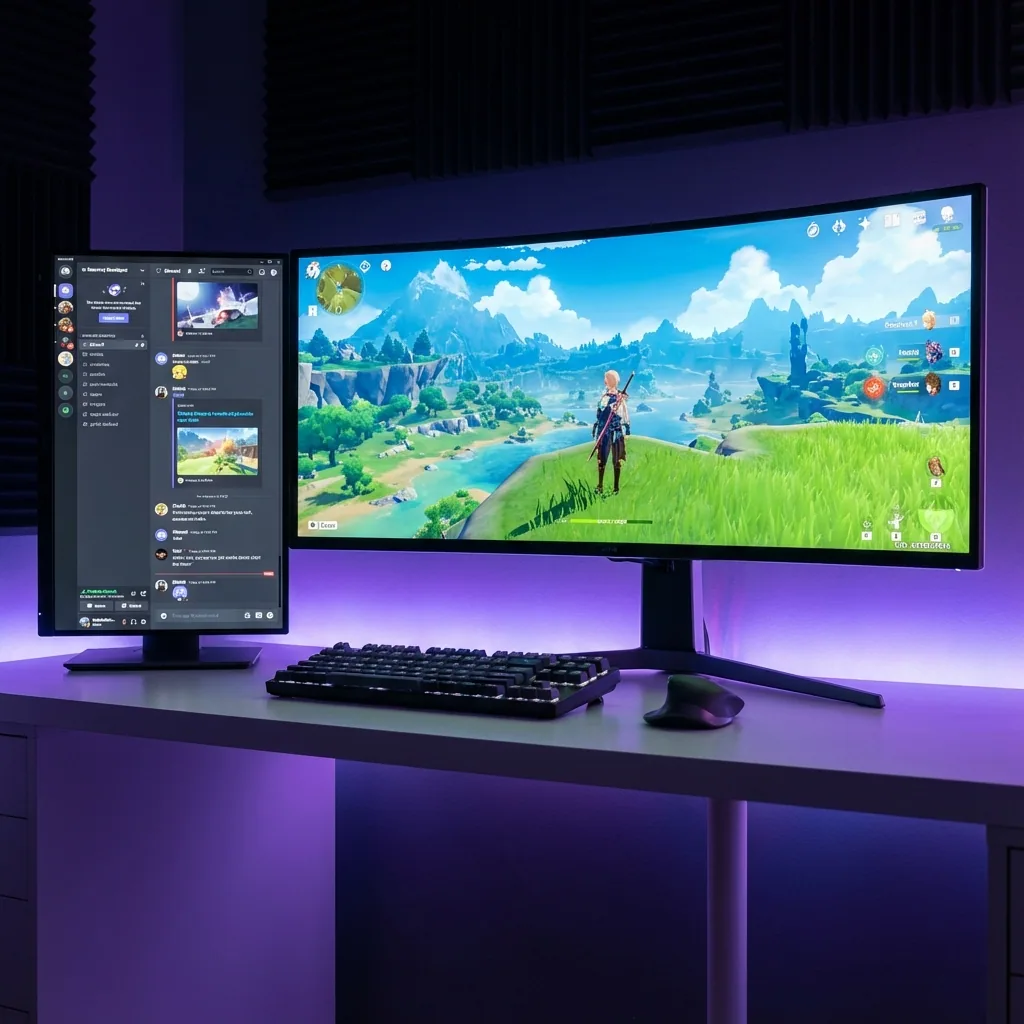
Kurze Antwort: Sims laufen im exklusiven Vollbild, deshalb braucht ein SimHub-Dashboard, eine Telemetrie-App oder ein Timing-Overlay normalerweise einen zweiten Monitor oder ein Tablet – oder du gehst in den randlosen Fenstermodus und zahlst mit FPS und Input-Lag. Die saubere Lösung auf einem Bildschirm: Du lässt den Sim auf seinem eigenen virtuellen Display in einer Zone laufen, in echtem nativem Vollbild, mit deinem Dashboard, der Telemetrie und Discord live in Zonen drumherum. Kein zweiter Monitor, kein Tablet, keine Randlos-Strafe, kein Minimieren, wenn du kurz auf die Daten schaust.
Wenn du schon mal nach "simhub zweiter monitor", "iracing telemetrie ein monitor", "acc dashboard ohne zweiten monitor" oder "sim dashboard auf einem bildschirm" gesucht hast, kennst du die Falle: Dein Sim will das ganze Display, und alles Nützliche, das du beim Fahren sehen willst – Rundendeltas, Reifentemperaturen, Sprit, der Timing-Tower – hat keinen Platz. Dieser Guide erklärt, warum das so ist und wie du ein echtes Sim-Racing-Dashboard auf einem Monitor ohne extra Hardware hinbekommst.
Warum der Sim den Bildschirm nicht teilen will
Wenn iRacing, Assetto Corsa Competizione, Assetto Corsa, rFactor 2 oder Le Mans Ultimate im exklusiven Vollbild laufen, übernimmt das Spiel die direkte Kontrolle über das Display und kommuniziert direkt mit der GPU – am Windows-Desktop-Compositor vorbei. Genau das gibt dir die bestmögliche Framerate und niedrigste Input-Latenz – exakt das, was du mit Lenkrad und Pedalen willst – aber genau deshalb kann sich nichts anderes diesen Bildschirm teilen.
Dein SimHub-Dashboard, dein RaceLab-Overlay oder dein Z1 Dashboard hat also nur drei mögliche Plätze:
- Einen zweiten Monitor unter oder neben dem Lenkrad.
- Ein Tablet oder Handy mit der SimHub-Companion-App oder einem Web-Dash.
- Einen randlosen Fenstermodus beim Sim, damit Overlays darüber gezeichnet werden können – zu einem Performance-Preis.
Jede dieser Optionen löst wohin die Daten sollen, indem du entweder Hardware kaufst oder das native Vollbild aufgibst. Die Overlays selbst (SimHubs In-Game-OSD, ein Always-on-top-Fenster) können außerdem vom exklusiven Vollbild übermalt werden – deshalb landen viele Racer nur im randlosen Fenstermodus, um überhaupt ihr eigenes Dashboard zu sehen.
Warum die üblichen Lösungen zu kurz greifen
| Ansatz | Läuft im echten Vollbild? | Dashboard/Telemetrie live neben dem Sim? | Ein Bildschirm? | Native FPS / kein Input-Lag? |
|---|---|---|---|---|
| Zweiter Monitor / Tablet | Ja | Ja | Nein – braucht extra Hardware, der Blick verlässt die Strecke | Ja |
| Randloser Fenstermodus | Nein – kein exklusives Vollbild mehr | Ja, Overlays können darüber zeichnen | Ja | Nein – Compositor-FPS- und Input-Lag-Strafe |
| SimHub-Overlay / In-Game-OSD | Manchmal – im exklusiven Vollbild oft übermalt | Teilweise – ein festes OSD, kein volles Dashboard | Ja | Ja, wenn es überhaupt angezeigt wird |
| Staged (virtuelles Display + Zonen) | Ja – der Sim behält sein eigenes Display | Ja – volles Dashboard, Telemetrie & Timing in Zonen | Ja | Nativ – keine Randlos-Strafe, kein Input-Lag |
- Ein zweiter Monitor oder Tablet funktioniert wirklich – das ist die Standard-Antwort fürs Sim-Rig – aber es kostet Geld und Platz auf dem Schreibtisch, und es zieht deinen Blick vom Scheitelpunkt weg auf einen Bildschirm unter dem Lenkrad. Viele Racer haben nur einen Monitor oder fahren ein Triple-Setup, bei dem kein Panel für ein Dash übrig ist.
- Der randlose Fenstermodus lässt SimHub- und RaceLab-Overlays oben sitzen, gibt das Display aber an den Desktop-Compositor zurück, was einen kleinen FPS-Verlust und Input-Lag mitbringt – das Letzte, was du mitten im Stint brauchst. Wettkampf-Fahrer spüren die Randlos-Strafe.
- SimHubs eigenes In-Game-Overlay / OSD ist super für ein paar Anzeigen, liegt aber im exklusiven Vollbild häufig versteckt unter dem Sim, und es ist ein festes OSD statt eines vollen, größenveränderbaren Dashboards mit Timing-Tower und Discord gleichzeitig.
Keine dieser Optionen gibt dir das, was du wirklich willst: den Sim in voller Größe und nativ, und ein echtes, live laufendes Dashboard samt Timing daneben, auf dem einen Bildschirm, den du schon hast.
Dashboard beim Fahren sehen – Schritt für Schritt
- Installiere Staged und erstelle eine Game-Stage-Zone, in der der Sim laufen wird.
- Füge Zonen drumherum hinzu für das, was du beim Fahren im Blick haben willst: eine für dein SimHub- / RaceLab- / Z1-Dashboard, eine fürs Live-Timing und eine für Discord, wenn du in einer Liga fährst.
- Weis jeder Zone ihre Quelle zu – das SimHub-Dashboard-Fenster (oder sein Web-Dash in einem Browser-Tab), die Timing-Seite, deinen Discord-Channel.
- Starte den Sim auf seiner Game Stage. Er läuft im nativen Vollbild innerhalb seiner Zone; dein Dashboard und das Timing aktualisieren sich live in den Zonen drumherum.
- Speicher das als Profil, damit das ganze Cockpit-Layout per Hotkey zurückkommt – ein Renntag-Layout, das du mit einem Tastendruck umschaltest.
Weil der Sim auf seinem eigenen virtuellen Display lebt (über das Indirect-Display-Driver-Framework von Windows), behandelt Windows es wie einen echten Monitor, sodass es echtes natives Vollbild behält – kein randloser Compositor-Pfad, kein Input-Lag – und ein Blick auf die Dashboard-Zone daneben klaut dem Sim nie den Bildschirm und minimiert ihn nicht. Falls ein bestimmter Sim so programmiert ist, dass er bei Fokusverlust pausiert, aktiviere seine "im Hintergrund laufen"-Option, damit die Telemetrie weiterfließt.
Fürs große Ganze zum Andocken von Live-Apps neben einem Vollbild-Spiel siehe den kompletten Guide, jede App beim Zocken sichtbar zu halten, den Coexistence-Hub zum Nebeneinander von Spiel und Apps und wie du einen zweiten Monitor beim Zocken nutzt, ohne dass sich das Spiel minimiert.
Häufig gestellte Fragen
Kann ich SimHub sehen, während ich im Vollbild fahre?
Ja. Lass den Sim auf seinem eigenen virtuellen Display in einer Zone laufen und dock dein SimHub-Dashboard in eine Zone daneben. SimHub aktualisiert sich live, während der Sim im nativen Vollbild bleibt – du bist also nicht gezwungen, in den randlosen Fenstermodus zu gehen, nur um das OSD zu sehen, und das Dash wird nicht vom Sim übermalt.
Brauche ich einen zweiten Monitor oder ein Tablet fürs Dashboard?
Nein. Der Standard-Rat lautet, einen zweiten Monitor zu kaufen oder die SimHub-Companion-App auf einem Tablet laufen zu lassen, aber ein virtuelles Display gibt dir diesen Zweitbildschirm-Workflow auf dem einen Monitor, den du schon hast. Dein Dashboard und das Timing leben in Zonen neben dem Sim – keine extra Hardware, und es funktioniert auf einem Laptop oder einem Single-Panel-Setup.
Kostet mich das FPS oder bringt es Input-Lag?
Nein. Der Sim läuft im echten nativen Vollbild auf seinem eigenen virtuellen Display, umgeht also den Desktop-Compositor-Overhead, den der randlose Fenstermodus mitbringt – keine Randlos-FPS-Strafe und kein Input-Lag. Du wählst außerdem die Render-Auflösung des Sims, was die Framerate sogar erhöhen kann.
Funktioniert das mit iRacing, ACC oder Assetto Corsa?
Ja – es ist sim-unabhängig, weil es auf Display-Ebene arbeitet, also laufen iRacing, Assetto Corsa Competizione, Assetto Corsa, rFactor 2 und Le Mans Ultimate alle in ihrer Zone im nativen Vollbild. Jedes Dashboard-Tool, das sich in einem Fenster oder Browser zeigt – SimHub, RaceLab, Z1 Dashboard – sitzt in einer Zone daneben. Falls ein Sim bei Fokusverlust pausiert, aktiviere seine "im Hintergrund laufen"-Einstellung.
Kann ich auch Discord oder das Live-Timing neben dem Sim sehen?
Ja. Jede Zone zeigt jede live laufende, klickbare App, also kannst du neben deinem Telemetrie-Dashboard einen Discord-Channel für die Liga-Kommunikation und eine Live-Timing-Seite andocken – alles sichtbar und live neben dem Sim, ohne Alt-Tab.
Funktioniert das auf einem einzigen Monitor?
Ja – genau darum geht es. Staged erstellt ein virtuelles zweites Display auf deinem einen Bildschirm, sodass du das Cockpit mit Dashboard-neben-Sim bekommst, ohne einen zweiten Monitor oder ein Tablet. Es funktioniert auf einem Panel, auf einem Laptop und neben einem Triple-Setup.
Bereit, dein Ein-Bildschirm-Cockpit zu bauen?
Staged lässt deinen Sim im nativen Vollbild in einer Zone laufen, mit deinem Dashboard, der Telemetrie und dem Timing live drumherum – auf einem Monitor, ohne Randlos-Strafe, ohne Input-Lag. Es kommt auf Steam; setz es auf die Wunschliste und sei als Erste:r in der Boxengasse.
Weiterlesen: