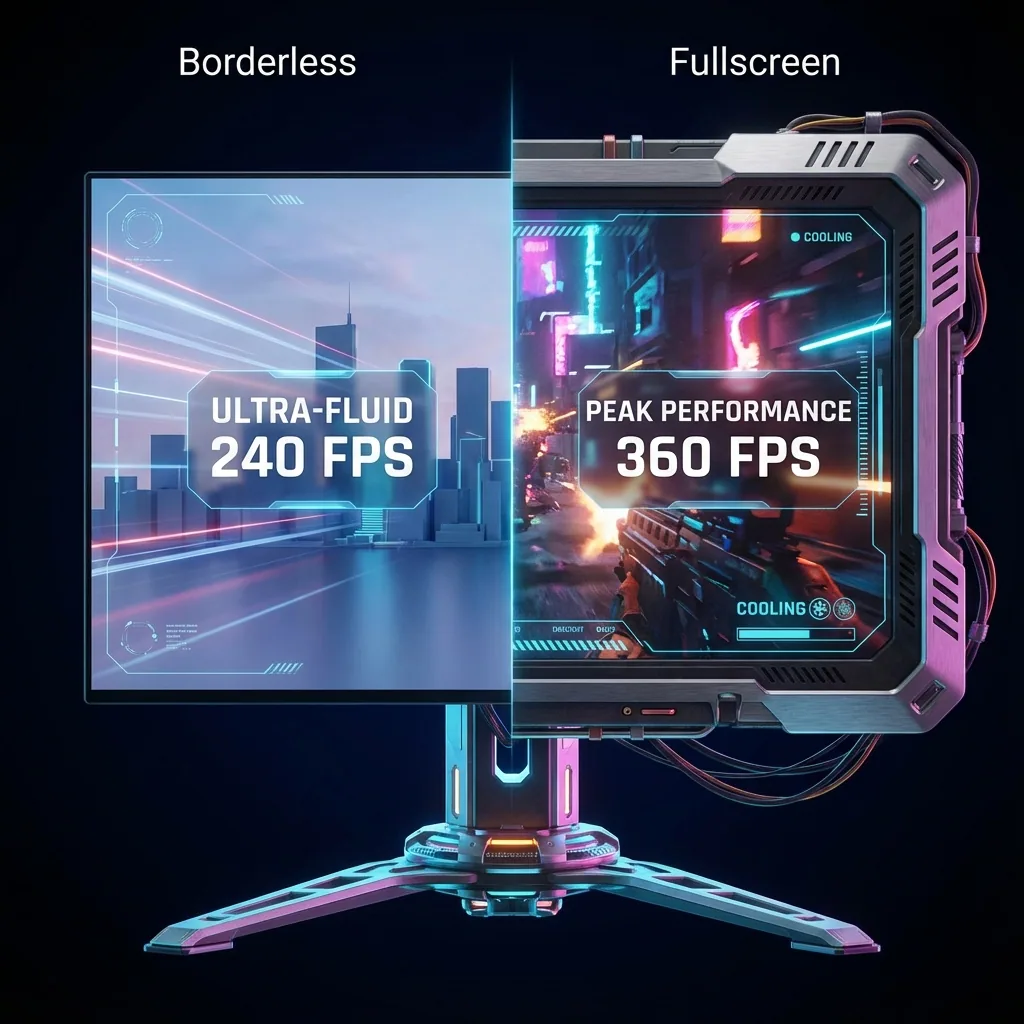
Quick answer: LiveSplit's "always on top" gets hidden the moment your game enters exclusive fullscreen, because the game paints the whole display directly and your timer's topmost flag has nothing to enforce it against — so your splits either disappear or only reappear if the game drops to a slower windowed mode. The usual fixes are borderless windowed (visible splits, but an FPS penalty that can affect a run) or a second monitor (extra hardware). On one screen, the clean fix is to run the game on its own virtual display at native fullscreen inside a zone, and put LiveSplit in a zone right beside it — splits always visible, native FPS, no borderless penalty, one monitor. For the full topmost mechanics, see the general guide to keeping a window on top of a fullscreen game.
If you run on a single monitor or a laptop, you have hit this wall: you launch the game, LiveSplit is set to always on top, and the second the game goes fullscreen your splits are gone. Alt-tabbing to check your comparison mid-run is not an option — you would lose time and probably your focus. This is the speedrunner's specific version of the problem, and there is a clean answer.
Why LiveSplit disappears over an exclusive-fullscreen game
LiveSplit's always-on-top setting is a z-order hint to the Windows desktop compositor: "keep this window above its siblings." That works perfectly over the desktop and over borderless games, because they all share the same composited screen.
An exclusive-fullscreen game breaks that. It takes direct control of the whole display and bypasses the compositor, so the stacking order LiveSplit's topmost flag lives in no longer decides what is actually on screen. One of two things follows:
- Your splits get covered. The game is painting the entire display directly, and the compositor's "keep LiveSplit on top" instruction has nothing to act on — so the timer simply is not visible.
- The game gets pulled out of exclusive fullscreen. To show your timer at all, Windows has to drag the game into a composited (borderless-like) mode — the slower path, costing FPS and adding input latency.
So "LiveSplit always on top not working" is not a bug in LiveSplit. It is the same structural mismatch every topmost tool hits over true fullscreen — covered in depth in the general topmost guide. What matters for runners is the practical fallout: you cannot see your splits, PB pace, or gold comparison while the game owns the screen.
The fixes, ranked for runners
Here is how the common ways to see your splits over a fullscreen game stack up when the run actually counts.
| Approach | Splits visible over TRUE fullscreen? | Native FPS (runs count!)? | One screen? | Timer clickable/interactive? |
|---|---|---|---|---|
| LiveSplit topmost + exclusive fullscreen | No — covered, or forces the game out of exclusive fullscreen | Only if the game flips to windowed (then no) | Yes | Yes |
| Borderless windowed | Not true fullscreen — game is already windowed | No — pays the compositor FPS/latency cost | Yes | Yes |
| Second monitor | N/A — LiveSplit is on the other screen, not over the game | Yes | No — needs extra hardware | Yes |
| Staged (own virtual display + zone) | Yes — splits sit beside the game, genuinely on-screen | Yes — native fullscreen, no borderless penalty | Yes | Yes |
1. LiveSplit topmost + exclusive fullscreen (loses to true fullscreen)
Set LiveSplit to always on top and it stays over the desktop and over borderless games. Over an exclusive-fullscreen game it is either covered or only appears by forcing the game into windowed mode — the slower path. It is a compositor hint, and exclusive fullscreen sits outside the compositor.
2. Borderless windowed (splits visible, but an FPS penalty on your run)
Switch the game to Borderless Windowed and now everything lives in the composited desktop, so LiveSplit's topmost flag works and your splits stay visible. The cost: you have traded exclusive fullscreen for the desktop compositor, which adds a small FPS hit and input latency. For a lot of runs that is a real concern — if a category is decided on frame counts or precise inputs, a borderless FPS penalty is not something you want to eat, and some leaderboards care how the game was run. You are also no longer over true fullscreen; you changed the game to windowed to make it work.
3. Second monitor (works, but extra hardware and eyes off the game)
Drop LiveSplit on a second monitor and the game keeps native fullscreen on the first. It works and it is the standard setup for many runners — but it needs a second screen, which single-monitor and laptop runners do not have, and your eyes leave the game to read the splits.
4. Run the game on its own virtual display and dock LiveSplit beside it (native fullscreen, no hack)
Instead of fighting the z-order, sidestep it. Run the game on a separate virtual display at native fullscreen, and place LiveSplit in a zone next to it on your physical monitor. Windows treats the virtual display as a real monitor, so the game keeps true native fullscreen and never leaves exclusive mode — while LiveSplit is composited into a zone right beside it, fully visible and clickable. This is what Staged does: it runs the game on a virtual display and composites it into a zone on your one physical screen, with LiveSplit in a zone alongside.
- Pros: native-fullscreen performance (no borderless penalty, zero frame lag); splits, PB pace and gold comparison genuinely visible beside the game — not a topmost flag that can be covered; works on a single monitor or a laptop, no extra hardware.
- Honest note: LiveSplit sits beside the game in its own zone rather than literally floating on top of a full-screen game — which is exactly the point, because "on top of true exclusive fullscreen" is not something a topmost flag can honestly deliver. If a particular game is coded to pause on focus loss, enable its "run in background" option so the run keeps going while you glance at the splits.
Seeing your splits without a second screen
It is worth being precise about what you actually want, because the fixes differ:
- If you only run games in borderless mode already, LiveSplit's always-on-top is fine — pin it and your splits stay visible, at the borderless FPS cost you have already accepted.
- If you want your splits visible while the game stays in true exclusive fullscreen on one screen, no topmost flag can do it without dragging the game into windowed mode. Give the game its own virtual display and dock LiveSplit in a zone beside it — genuinely on-screen, and the game never leaves native fullscreen.
Knowing which one you have saves you from chasing a topmost setting that exclusive fullscreen was always going to ignore.
How to keep LiveSplit visible while you run — step by step
- Install Staged and create a Game Stage zone where the run will happen.
- Add a zone beside it for LiveSplit — size it to fit your splits, PB pace and gold comparison.
- Point that zone at your LiveSplit window (autosplitters, comparisons and your layout all come along — it is the same LiveSplit).
- Launch the game onto its Game Stage. It runs native fullscreen inside its zone; LiveSplit stays live in the zone beside it, splits ticking as you play.
- Save it as a profile so your whole run-day layout returns with a hotkey.
Because the game lives on its own virtual display, Windows treats it like a real monitor, so it keeps true native fullscreen — no borderless compositor path, zero frame lag — and glancing at your splits never steals the game's screen or minimizes it. For the full picture of docking apps beside a fullscreen game, see the complete guide to keeping any app visible while gaming and the coexistence hub on running your game and your apps side by side.
Frequently asked questions
Why doesn't LiveSplit show on top of my fullscreen game?
Because LiveSplit's always-on-top is a z-order hint to the Windows desktop compositor, and an exclusive-fullscreen game bypasses that compositor to paint the whole display directly. With nothing for the topmost flag to enforce against, your splits are either covered or only appear by forcing the game into a slower windowed mode. It is a structural mismatch, not a bug in LiveSplit — the general topmost guide explains the mechanics.
Does LiveSplit always-on-top work in exclusive fullscreen?
No. Over the desktop and over borderless games, LiveSplit's always-on-top works fine. Over a game in exclusive fullscreen, the game owns the display outside the compositor, so LiveSplit gets covered or kicks the game into windowed mode. To keep splits visible without leaving native fullscreen, run the game on its own virtual display and dock LiveSplit in a zone beside it.
How do I see my splits without a second monitor?
Run the game on its own virtual display at native fullscreen and put LiveSplit in a zone next to it on the same screen. It happens entirely on the one monitor you already have — no second screen, no extra hardware, laptop included. Your splits, PB pace and gold comparison stay live beside the game while it stays full-size. That is what Staged does on a single monitor.
Will borderless windowed hurt my run's FPS?
It can. Borderless windowed makes your splits visible because the game now lives in the composited desktop, but you have traded exclusive fullscreen for the desktop compositor, which adds a small FPS hit and input latency. For runs decided on frame counts or precise inputs that borderless penalty matters. Running the game on its own virtual display keeps native fullscreen with no borderless penalty and zero frame lag — you also choose the render resolution.
Does it work with autosplitters?
Yes. It is the same LiveSplit in a zone, so your autosplitters, comparisons and hotkeys all work exactly as they do now. Docking LiveSplit in a zone only changes where the window lives on screen — it does not touch how LiveSplit runs, splits or compares.
Does it work on a single monitor or a laptop?
Yes — that is the point. Staged creates a virtual second display on your single screen, so you get the splits-beside-game layout without a second monitor. It works on one panel and on a laptop, with the game at native fullscreen in its zone and LiveSplit live next to it.
Ready to see your splits without borderless?
Staged runs your game at native fullscreen in a zone with LiveSplit live beside it — splits always visible, native FPS, no borderless penalty, all on one monitor. It is coming to Steam; wishlist it to be first to run.
Related reading: