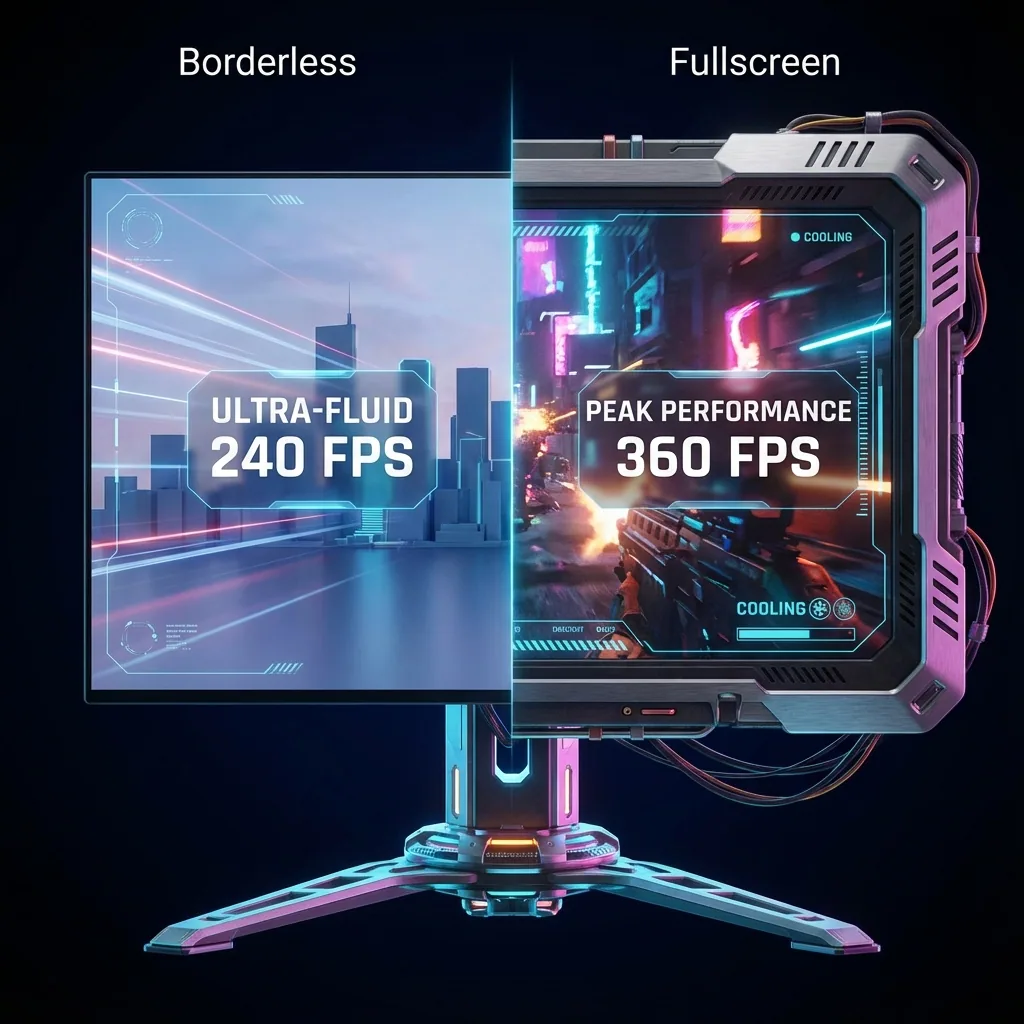
Quick answer: Borderless window (also called "windowed fullscreen", "borderless fullscreen" or, in some Japanese games, "virtual fullscreen") is a display mode where the game runs in a window with no title bar or frame, stretched to your monitor's resolution. It looks like fullscreen, but to Windows it is an ordinary window, so alt-tab is instant, clicking a second monitor does not minimize the game, and Discord or your streaming tools can sit on top. Exclusive fullscreen gives the game the whole display and skips Windows' compositor (DWM), which buys a small FPS and input-latency advantage. Rule of thumb: competitive shooters in exclusive fullscreen, everything you multitask or stream around in borderless.
This is the definitional page for "what is borderless window" and "how is it different from fullscreen". The measurements and the mechanics live in the sister article, borderless vs fullscreen: which is better for FPS?. Here you get the definition, a comparison table, when to choose which, and where the switch is in common games.
The three display modes compared
Games name them differently, but under the hood there are only three display modes on Windows.
| Exclusive fullscreen | Borderless window (windowed fullscreen) | Windowed | |
|---|---|---|---|
| Who owns the screen | The game owns the display | A frameless window covering the screen | A normal window with a frame |
| Windows compositor (DWM) | Bypassed | Used (on Windows 11 often bypassed via independent flip) | Used |
| FPS and input latency | Best | Slightly worse | Slightly worse |
| Alt-tab | Slow; minimizes, screen flickers | Instant | Instant |
| Other windows on top | Not possible (only overlays) | Possible | Possible |
| Clicking a second monitor | Usually minimizes the game | Game stays up | Game stays up |
| Resolution and refresh rate | Set freely by the game | Follows the desktop | Follows the desktop |
| Best for | Competitive FPS, every frame counts | Streaming, multitasking, multi-monitor | Light games beside a guide, testing |
What exclusive fullscreen is
Exclusive fullscreen hands the entire display output to the game. In the words of Microsoft's DirectX team, the game gets "complete ownership of the display", and the Desktop Window Manager (DWM) steps aside. Frames go from the GPU straight to the monitor without a compositing pass, which is why this mode is the best case for FPS and input latency. The game can also switch resolution and refresh rate on its own.
The weakness is the ownership itself. When focus leaves the game (alt-tab, a click on the second monitor), the game minimizes to hand the display back to the desktop, and the screen goes black for a moment when you return. No other application window can be drawn on top; only overlays such as the Game Bar or Discord get an exception.
Since Windows 10, "fullscreen optimizations" blur the line: a game that believes it is in exclusive fullscreen is actually presented in a borderless-like way, and Windows only falls back to composition when something else needs the screen. That is one reason people say the gap between fullscreen and borderless has shrunk.
What borderless window (windowed fullscreen) is
Borderless window is simply a window with the title bar and frame removed, placed at the desktop resolution so it covers the whole screen. Final Fantasy XIV calls it "virtual fullscreen", VALORANT "windowed fullscreen", Genshin Impact "borderless". They all mean the same thing.
Because Windows treats it as an ordinary window, alt-tab is instant, the game does not minimize when you click a second monitor, and Discord, OBS or a browser picture-in-picture window can float on top. The trade-off is that the DWM composes the game's frame together with the other windows before sending it to the screen, which costs a small amount of FPS and input latency compared with exclusive fullscreen. In our Cyberpunk 2077 measurement, windowed/borderless carried roughly a 10–15 % penalty on our rig; treat that as a reference for one setup, not a universal number. Resolution is locked to the desktop, so a lower in-game resolution gets stretched, and the refresh rate follows the desktop setting.
What windowed mode is
Windowed mode shows the game as a regular application with a title bar and frame. Technically it is the same as borderless; the only differences are the frame and the fact that it does not cover the screen. Use it when you want a guide or chat beside the game, two games at once, or to capture only part of the screen. Most games toggle between fullscreen and windowed with Alt+Enter.
Which one should you choose?
- Competitive shooters (VALORANT, Apex, CS2) where every frame matters: exclusive fullscreen. If the game supports it, also try "Disable fullscreen optimizations" (right-click the executable → Properties → Compatibility).
- Streaming, watching Discord or a guide video while you play, touching a second monitor often: borderless window. No minimizing, no flicker, overlays and browser pop-outs work.
- MMOs, idle games, light titles: borderless rarely hurts. That is why FFXIV's virtual fullscreen is the default choice in its community.
- A small game window or several instances: windowed mode.
If you want the convenience of borderless without giving up FPS, there is a third path. Staged gives the game its own virtual monitor, where it runs as a real fullscreen application. Staged shows that virtual monitor as a window on your real screen, so Discord, your streaming tools and YouTube sit beside the game on the same monitor while the game keeps a native-fullscreen-class path. On Windows 11 that means direct hardware scanout with zero compositor overhead, measured, and if the game renders at a lower resolution than the panel we measured up to 2× FPS in a GPU-bound A/B test (details on the lab page). There are no game hooks and no injection, so no anti-cheat risk.
How to switch in common games
| Game | Where the setting is | The borderless option |
|---|---|---|
| Apex Legends | Settings → Video → Display Mode | Borderless Window |
| VALORANT | Settings → Video → General → Display Mode | Windowed Fullscreen |
| Genshin Impact | Settings → Graphics → Display Mode | Borderless (added in Version 4.4; before that it needed a launch option) |
| Final Fantasy XIV | System Configuration → Display Settings → Screen Mode | Borderless Windowed (JP client: virtual fullscreen) |
For VALORANT, Riot announced in patch 4.02 (2022) that it had brought windowed-fullscreen latency closer to fullscreen, without publishing numbers. For FFXIV, the official forums carry several reports of the screen mode reverting to fullscreen after an update, so reopen System Configuration if the game suddenly behaves differently.
Why the gap is smaller on Windows 11 (DWM and the flip model)
Borderless costs performance because the DWM adds a compositing step. With the DXGI flip model introduced in Windows 10, a screen-covering window that meets the conditions goes into "independent flip": the DWM stops compositing and the game's buffer is sent to the screen directly. Microsoft itself says flip-model windowed presentation is roughly equal to or better than exclusive fullscreen.
Windows 11 adds Optimizations for windowed games (Settings → System → Display → Graphics → Change default graphics settings), which applies the newer presentation model to older DirectX 10 and 11 games and lowers latency in windowed and borderless mode. Turning on Auto HDR turns this setting on automatically.
That does not make the difference zero. The moment another window overlaps the game, or the display stops meeting the conditions, the DWM returns to composition, and you cannot see from the outside whether independent flip is active. The honest summary: on an up-to-date Windows 11 the gap is small; exclusive fullscreen (or a dedicated virtual monitor) spares you the question altogether.
G-SYNC, HDR, alt-tab and multi-monitor differences
- G-SYNC / VRR: NVIDIA Control Panel → Display → Set up G-SYNC offers "Full screen mode" or "Windowed and full screen mode". Pick the second to get VRR in borderless. VRR only follows the focused window, so a video in the browser next to the game may stutter slightly.
- HDR: In exclusive fullscreen the game can switch HDR output itself. In borderless, HDR must be enabled in Windows display settings, and the whole desktop runs in HDR. "Borderless looks washed out" is almost always the Windows HDR setting or the SDR content brightness slider.
- Alt-tab: Exclusive fullscreen minimizes, flickers and takes a second or two to come back. Borderless is instant. A game engine that pauses on lost focus still pauses in borderless, though; that is fixed by the game's own "run in background" setting. See alt-tab without minimizing your game.
- Multi-monitor: Clicking the second monitor while a game is in exclusive fullscreen minimizes it. In borderless the game stays up and the mouse crosses over (unless the game confines the cursor). On a single monitor, the pop-outs and overlays in how to watch YouTube while gaming all assume borderless.
Frequently asked questions
What is borderless window mode?
A display mode where the game runs in a window with no frame or title bar, stretched to the desktop resolution. It looks like fullscreen, but Windows treats it as a normal window, so alt-tab is instant and other apps can sit on top. Games also call it windowed fullscreen, borderless fullscreen or virtual fullscreen.
What is exclusive fullscreen?
A mode where the game owns the display output and presents frames without going through Windows' compositor (DWM). It is the best case for FPS and input latency, but the game minimizes when it loses focus and no other window can be drawn on top.
Is windowed fullscreen the same as borderless window?
Yes. "Windowed fullscreen" (VALORANT), "borderless" (Genshin Impact), "virtual fullscreen" (Final Fantasy XIV's Japanese client) and "borderless window" all describe the same mechanism: a frameless window at desktop resolution.
Does borderless window lower FPS?
It carries a small FPS and input-lag cost versus exclusive fullscreen. Our Cyberpunk 2077 measurement showed roughly a 10–15 % windowed penalty on our rig. With the Windows 11 flip model and Optimizations for windowed games active the gap gets smaller, but it is not guaranteed to be zero.
Should I use borderless or fullscreen?
Exclusive fullscreen for competitive shooters where every frame counts; borderless for streaming, multitasking and multi-monitor setups. If you want both, run the game on its own virtual monitor with Staged: it stays in real fullscreen and is shown as a window on your actual screen.
Does G-SYNC work in borderless window mode?
Yes, if you select "Windowed and full screen mode" under Set up G-SYNC in the NVIDIA Control Panel. The default "Full screen mode" does not apply VRR to a borderless game.
Does Windows 11 remove the difference between borderless and fullscreen?
It shrinks it a lot. Independent flip and Optimizations for windowed games let a qualifying borderless game bypass composition. As soon as another window overlaps it or the conditions break, the DWM composes again, so the two are not always equal.
Sources
- Microsoft: Optimizations for windowed games in Windows 11; DirectX Developer Blog: Demystifying Fullscreen Optimizations, For best performance, use DXGI flip model.
- NVIDIA: To set up G-SYNC (NVIDIA Control Panel help).
- EA: Apex Legends PC system requirements and settings options.
- AUTOMATON: Genshin Impact 4.4 adds virtual fullscreen on PC.
- Square Enix official forums: virtual fullscreen setting reverting after relaunch.
- Staged: measured performance lab.
Borderless convenience at fullscreen speed
Staged runs your game on its own virtual monitor, so it never minimizes when you alt-tab or touch a second screen, and it stays full-size beside Discord and your streaming tools on one monitor. It is coming to Steam; wishlist it to be first to play.
Related reading: